
SEO Rank Tracking API for Automated Keyword Monitoring
Rank tracking breaks down when it depends on browsers, manual checks, and inconsistent local environments. OrbitScraper turns recurring SERP collection into a structured workflow so SEO teams can compare rankings by keyword, geography, engine, and device without maintaining their own parser stack.
Who this is for
Built for SEO agencies managing client portfolios, in-house SEO teams at mid-market and enterprise companies, and rank tracking SaaS platforms.
What teams use it for
- Track position changes by query, country, device, and page.
- Store people_also_ask, local_results, and knowledge_graph modules alongside organic rankings.
- Compare the same keyword across Google, Bing, Brave, and DuckDuckGo without changing the integration pattern.
Visual reference
Existing OrbitScraper-style dashboards and workflow surfaces related to this use case.
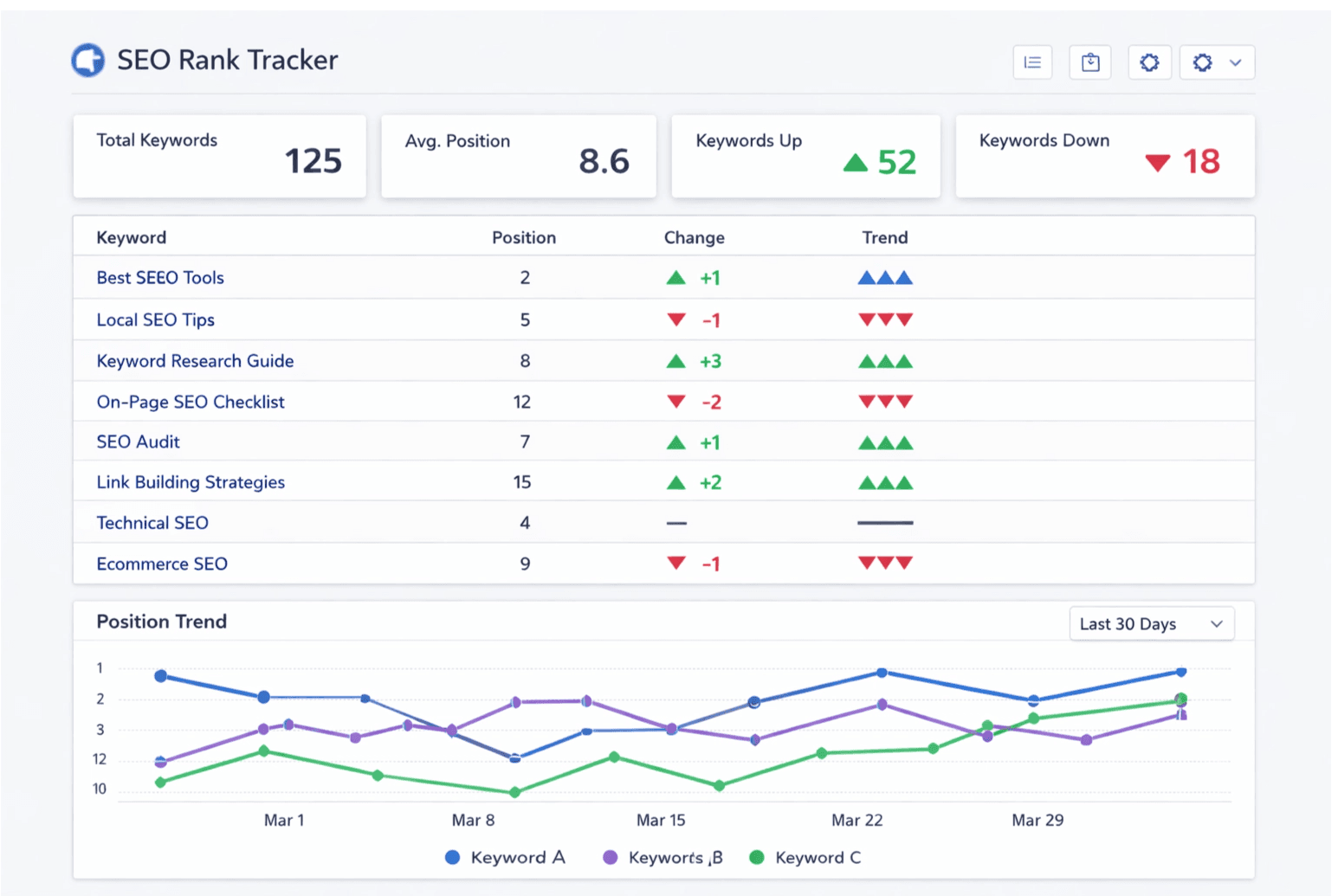
Rank tracking dashboard
Position history, trend lines, and engine comparison in a reporting-friendly layout.
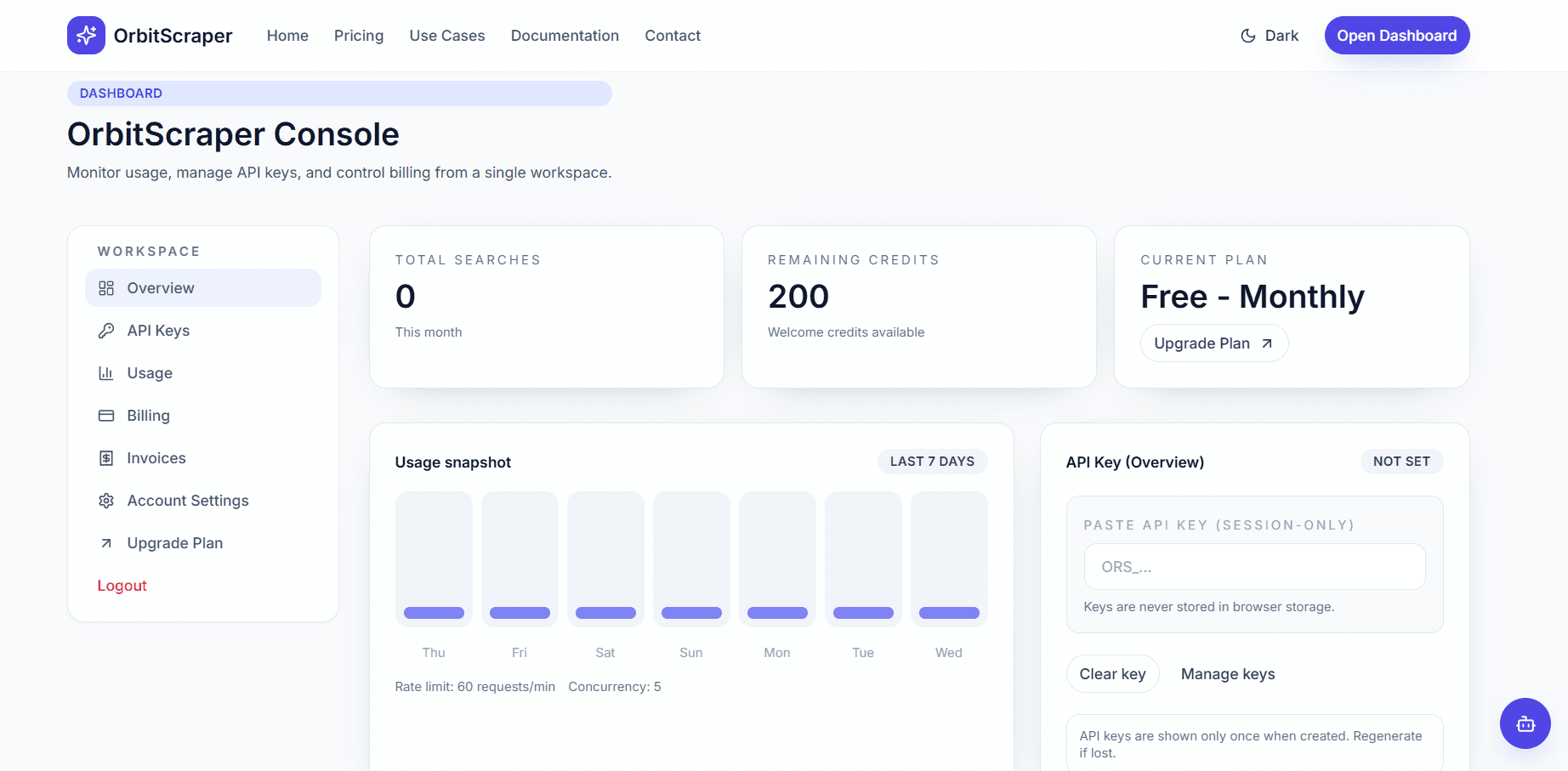
Competitor visibility view
Compare overlapping domains and visibility share by keyword cluster.
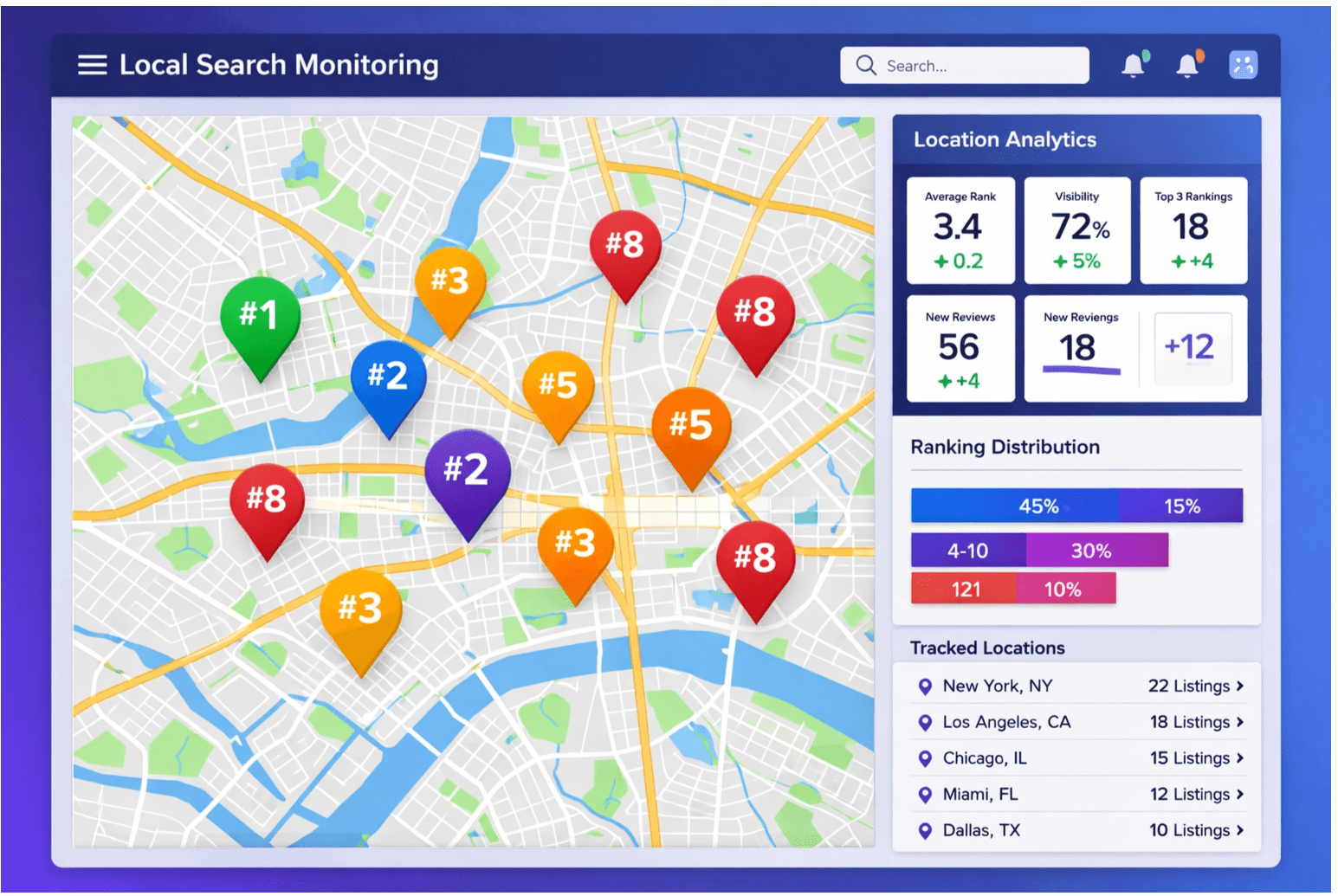
Local signals panel
Analyze local pack presence and geography-specific ranking differences.
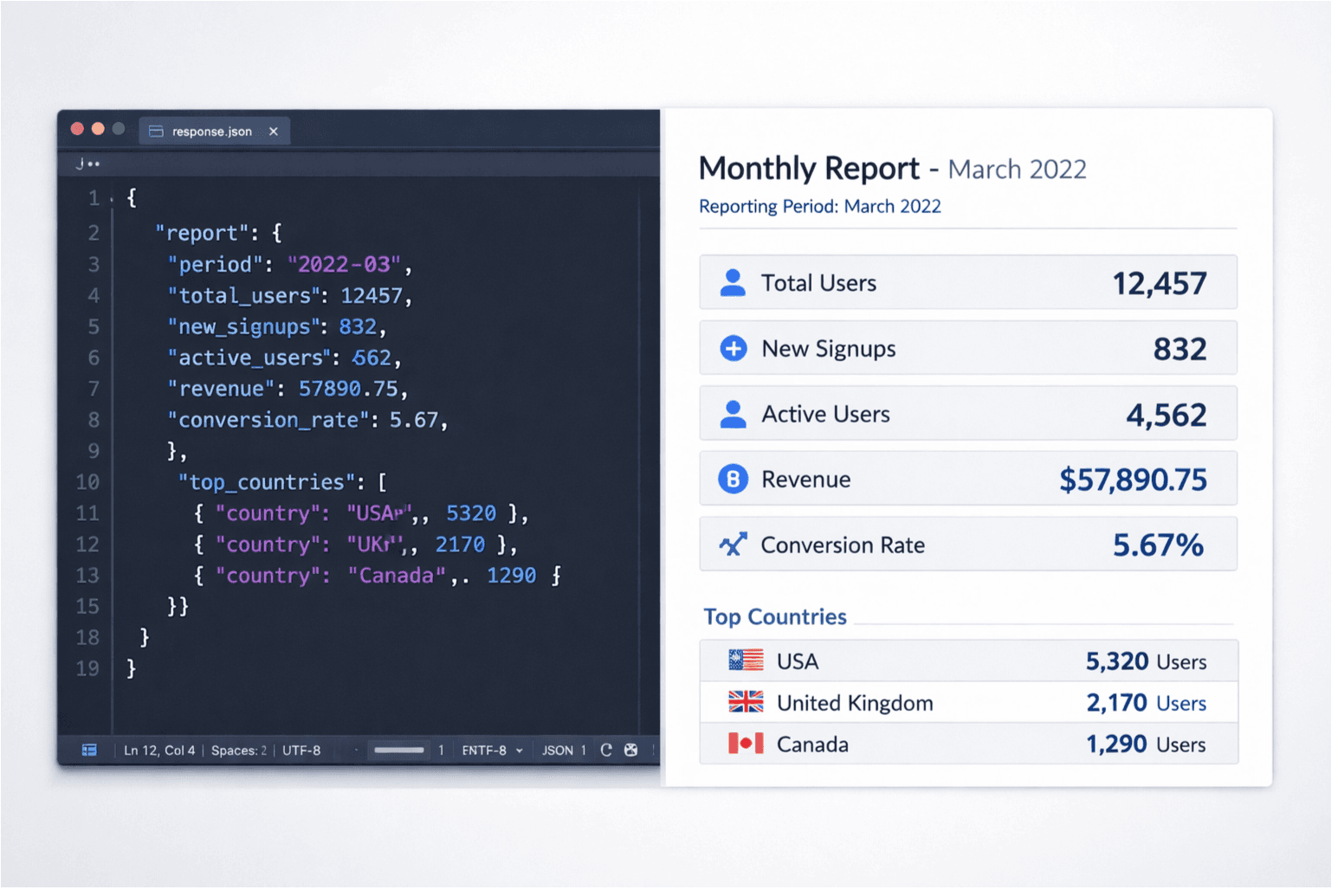
Client-ready reporting
Turn normalized SERP history into recurring stakeholder or client updates.
Who uses this
OrbitScraper fits SEO teams that care about repeatable rank data instead of screenshots. Agencies use it for client portfolios, in-house teams use it for daily monitoring, and software platforms use it as the data plane behind dashboards and alerts.
- Daily or weekly keyword position tracking.
- Device-specific reporting for mobile and desktop rankings.
- City and country comparisons for local and international SEO.
- Competitor monitoring across the same keyword set.
Code example — daily geo-targeted rank check
Queue the rank check
curl -X POST "https://api.orbitscraper.com/v1/search" \
  -H "x-api-key: ORS_your_key" \
  -H "Content-Type: application/json" \
  -d '{
    "q": "crm software for small business",
    "engine": "google",
    "gl": "us",
    "location": "New York, New York",
    "device": "mobile",
    "num": 20,
    "page": 1
  }'
Fields rank tracking systems usually store
{
  "organic_results": [
    {
      "position": 1,
      "title": "Best CRM Software 2026",
      "link": "https://example.com",
      "displayed_link": "example.com",
      "snippet": "..."
    }
  ],
  "search_information": {
    "returned_results": 20,
    "page": 1
  }
}
SERP features tracked
Position alone is not enough. OrbitScraper also gives teams the surrounding SERP modules that explain why a ranking moved or why traffic quality changed.
- people_also_ask[]: track which questions appear for target keywords. Shifts usually signal new content opportunities or changing intent.
- local_results[]: capture local pack presence for location-sensitive keywords and multi-location businesses.
- knowledge_graph: when a brand or entity shows a knowledge panel, monitor whether the entity data is present and consistent.
- related_searches[]: see how search engines are clustering adjacent terms around your head keyword.
- detected_intent: segment keywords into informational, navigational, product, or commercial workflows inside reporting dashboards.
Multi-engine rank comparison
The same keyword can behave differently across engines. Teams that support broad audiences or ship rank-tracking software often run the same query against multiple engines and compare position deltas side by side.
- Use Google for the primary benchmark in most SEO reporting.
- Use Bing and Brave to understand how rankings differ for corporate, browser-default, or privacy-oriented audiences.
- Keep q, location, gl, hl, device, and num constant so only the engine changes.
Same query, different engine
{
  "q": "project management software",
  "engine": "bing",
  "gl": "us",
  "num": 20
}
Scheduling pattern
Run queries at a consistent 24-hour interval and compare the same q plus location plus device combination across dates. That gives you a stable historical series instead of a mix of one-off spot checks.
A movement of three or more positions on a priority keyword is usually enough to trigger an internal alert or client-facing annotation.
- Queue your keyword set every day at the same hour.
- Poll GET /v1/search/:jobId until each request completes and store the normalized payload.
- Compare the current organic_results positions with the prior snapshot and alert on meaningful position or module shifts.
Build this workflow with OrbitScraper
Start with the product tags above, wire the request pattern into your app, and use the structured response fields that match this workflow. OrbitScraper is most valuable when your team stops manually checking search results and starts treating search data like a dependable input to software.