
Market Research API for Public Search Signals
Market signals live in search. What people search for, which domains dominate a category, and what follow-up questions buyers ask all show up in public SERPs before they become internal slide decks. OrbitScraper lets research teams collect those signals programmatically and feed them into dashboards, notebooks, and intelligence workflows.
Who this is for
Built for product managers, startup researchers, VC and PE analysts, strategy consultants, and market intelligence platforms.
What teams use it for
- Track which domains enter or leave the top results for category keywords.
- Use people_also_ask and related_searches as buyer-intent signals.
- Pair SERP discovery with Extract API when you need the underlying page content.
Visual reference
Existing OrbitScraper-style dashboards and workflow surfaces related to this use case.
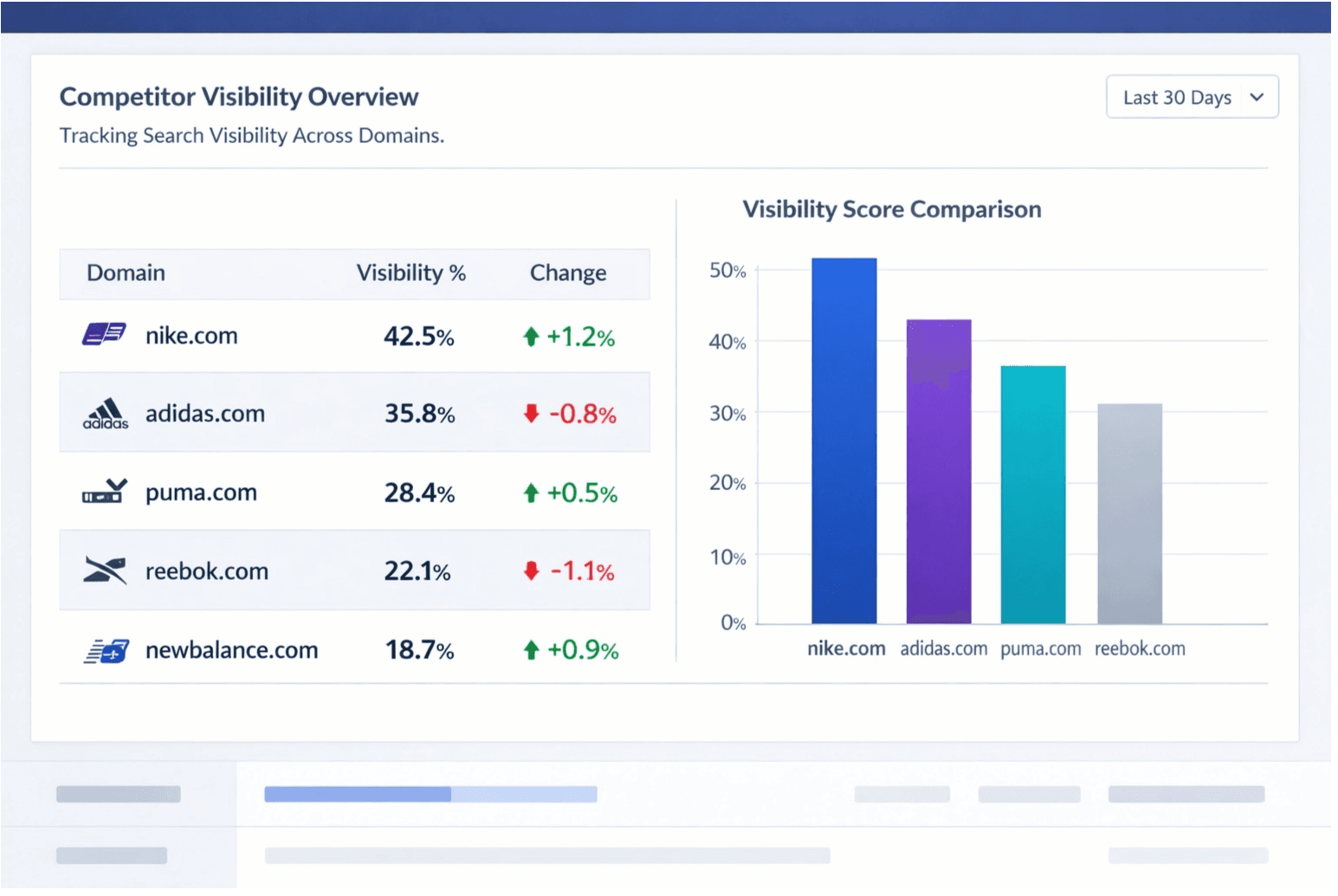
Trend pulse
Spot category movement and compare which domains are gaining visibility week over week.
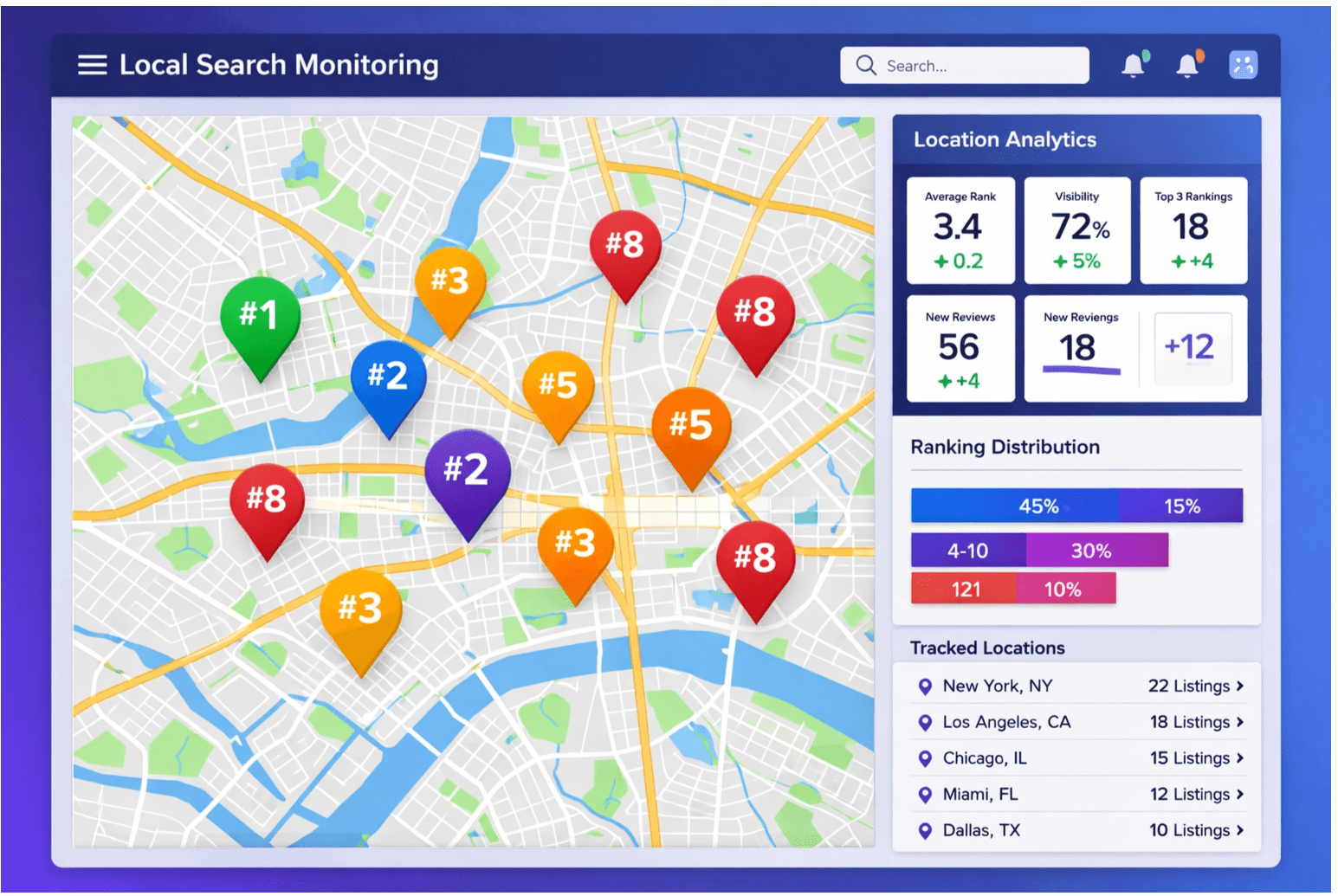
Competitor map
Compare who owns positions one through five across tracked market keywords.
Query signal panel
Keep semantic shifts visible through related searches and question modules.
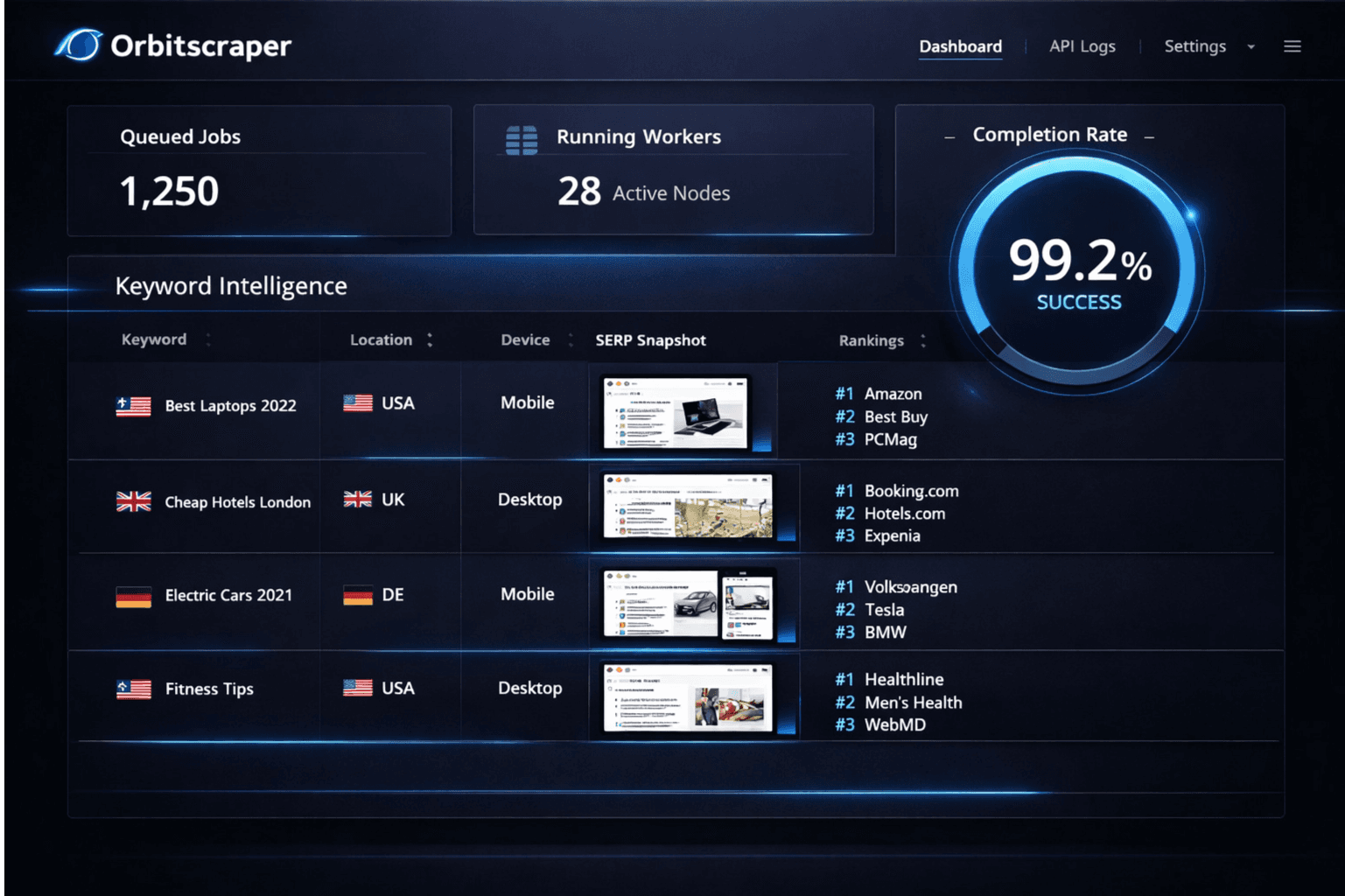
Research dashboard
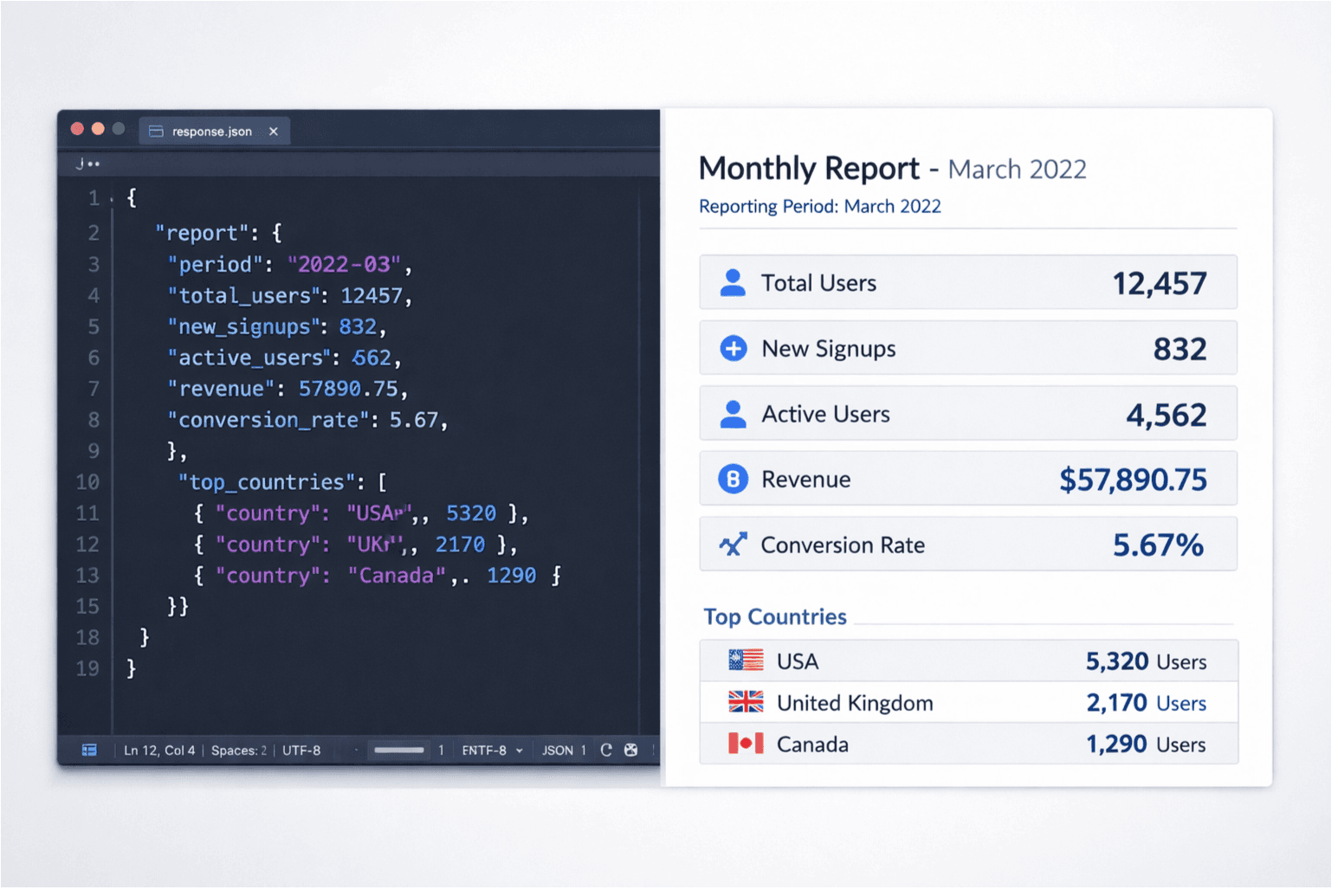
Store and compare structured SERP snapshots inside analyst workflows.
Example scenario
A venture capital firm monitors 200 startup-category keywords weekly. When a keyword that previously returned only established players starts showing new domains in positions one through five, the firm flags an emerging competitor. The same pipeline tracks people_also_ask shifts, so when buyer questions change, the team knows market education needs are changing too.
Key parameters for research workflows
- time_period: past_week detects trend emergence and makes week-over-week comparisons meaningful.
- people_also_ask[] shows the questions buyers are asking in a category. Use it for positioning, demand mapping, and content strategy.
- related_searches[] reveals adjacent keywords and semantic expansion of a market.
- num: 20 captures the broader competitive set on the first page instead of only the top few visible domains.
Code example — trend detection query
SERP collection request
curl -X POST "https://api.orbitscraper.com/v1/search" \
  -H "x-api-key: ORS_your_key" \
  -H "Content-Type: application/json" \
  -d '{
    "q": "vector database for enterprise",
    "time_period": "past_week",
    "num": 20,
    "engine": "google"
  }'
Research signals in the response
{
  "organic_results": [
    { "position": 1, "link": "...", "snippet": "..." }
  ],
  "people_also_ask": [
    { "question": "What is the best vector database for production?" },
    { "question": "How does a vector database differ from a relational database?" }
  ],
  "related_searches": [
    { "query": "vector database comparison 2026" },
    { "query": "open source vector database" }
  ]
}
Research + Extract pairing
Use SERP API to identify the top-ranking domains for a market keyword, then use Extract API to pull structured content from those pages. This two-step pattern gives research teams a manageable path from market discovery to source capture without building their own crawling layer.
- Search category keywords and store the top domains, snippets, and question modules.
- Select the ranking pages you want to analyze in detail and pass their URLs into Extract API.
- Write the extracted body content, metadata, and summaries into your research database or notebook workflow.
Follow-up extraction request
curl -X POST "https://api.orbitscraper.com/v1/extract" \
  -H "x-api-key: ORS_your_key" \
  -H "Content-Type: application/json" \
  -d '{
    "url": "https://example.com/vector-database-report"
  }'
What teams actually measure
- Track which domains are gaining organic visibility in a category week over week.
- Use people_also_ask as a buyer-intent signal. The questions show what the market still does not understand.
- Use related_searches to map the semantic territory around a product category.
- Time-filter queries to distinguish evergreen coverage from genuinely new attention.
- Feed structured SERP data into BI dashboards, Jupyter notebooks, or analyst workflows.
Build this workflow with OrbitScraper
Start with the product tags above, wire the request pattern into your app, and use the structured response fields that match this workflow. OrbitScraper is most valuable when your team stops manually checking search results and starts treating search data like a dependable input to software.