
Data Enrichment API for SaaS Platforms and CRM Workflows
SaaS products usually do not need raw crawling infrastructure. They need dependable fields they can write into a company record or product dashboard. OrbitScraper is useful here because it can first locate a company's public search presence and then fetch the destination page content that gives the record more context.
Who this is for
Built for CRM enrichment platforms, SaaS products that display company intelligence, marketing analytics tools, and sales intelligence software.
What teams use it for
- Find company search presence and knowledge graph fields programmatically.
- Pull structured content from the official website without maintaining a crawler.
- Write enrichment fields back into CRM or SaaS records asynchronously.
Visual reference
Existing OrbitScraper-style dashboards and workflow surfaces related to this use case.
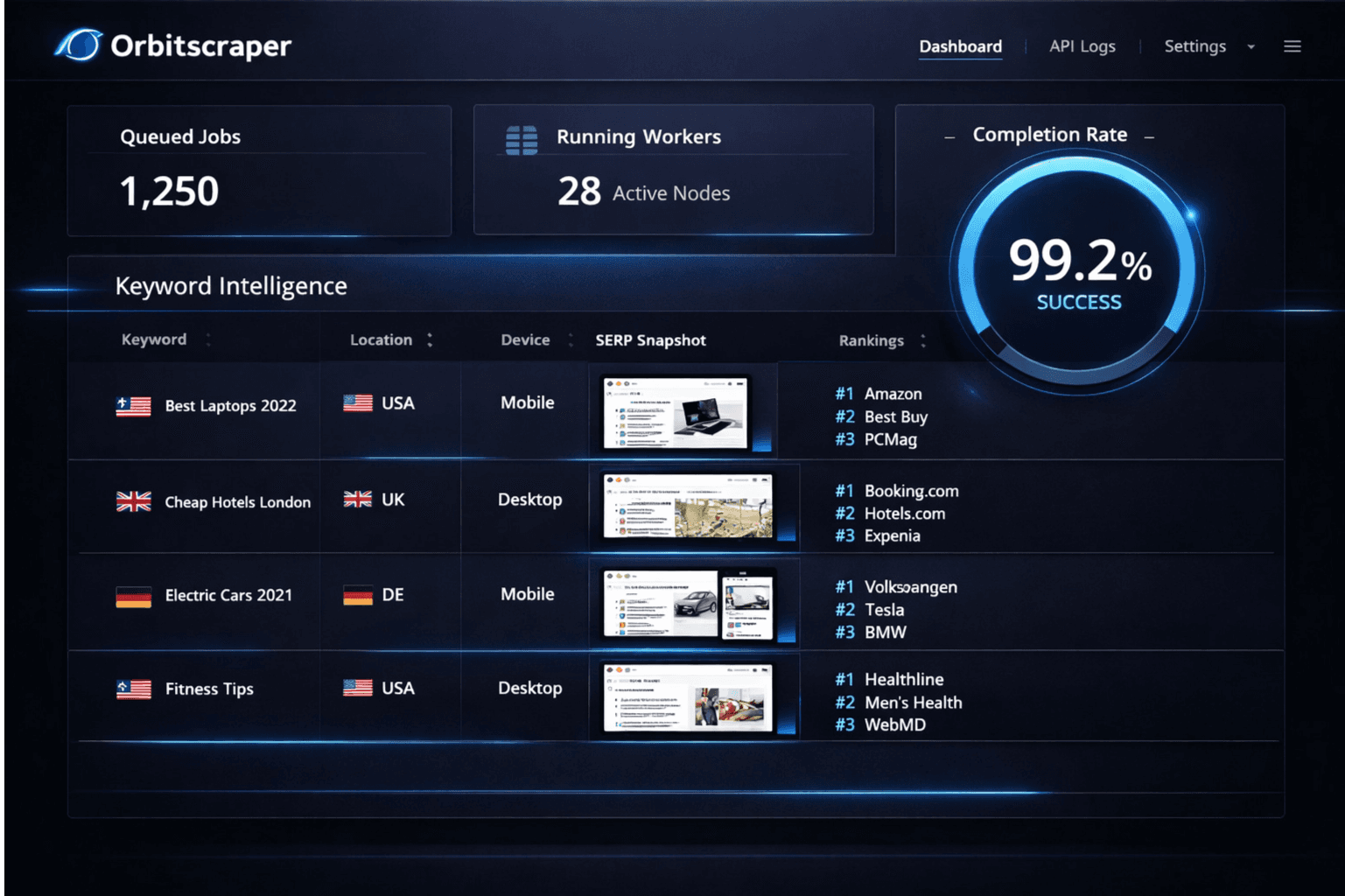
Company snapshot
Turn a company name or domain into a richer profile using public search signals.
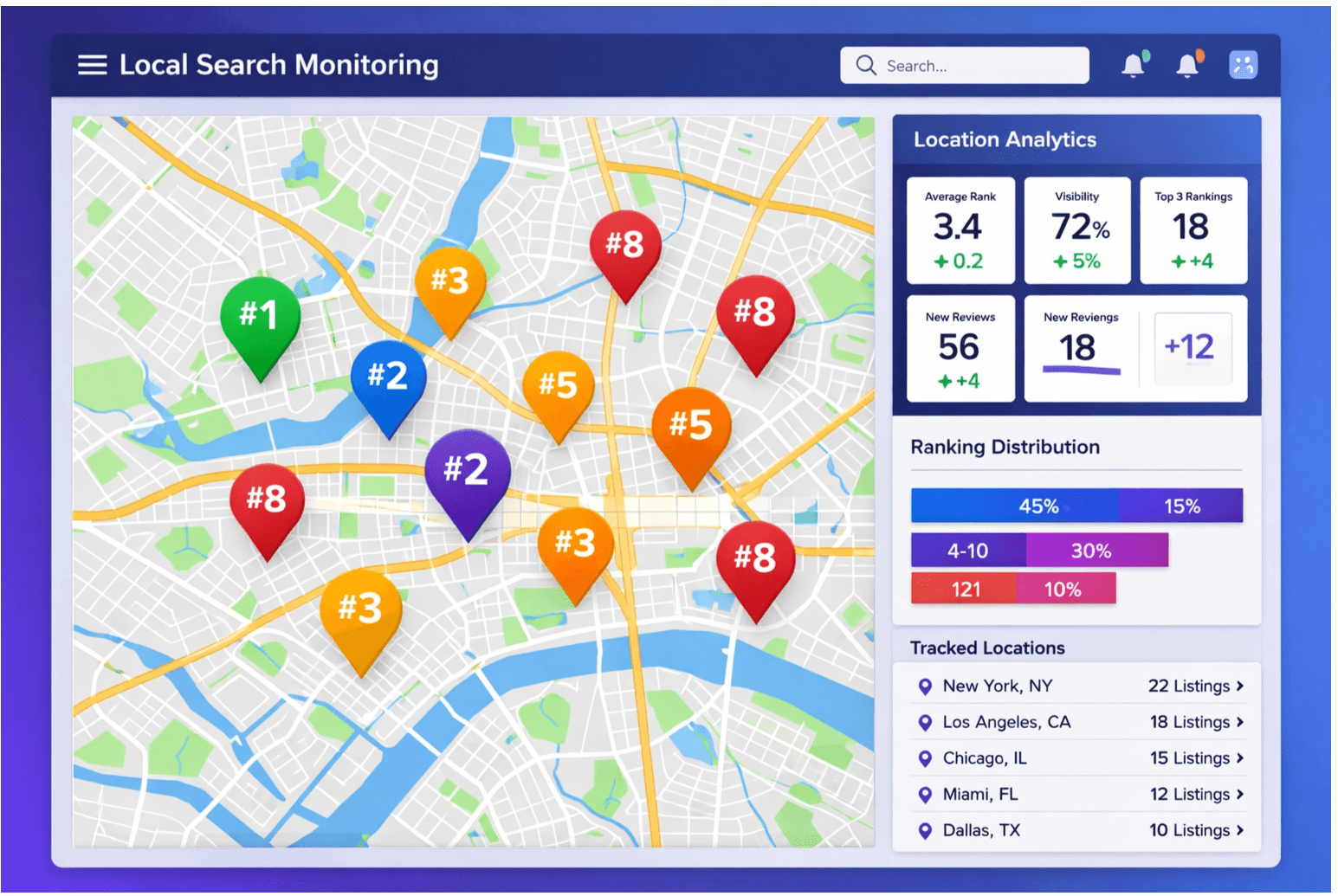
Signal feed
Track visibility and descriptive context that can be written back into product records.
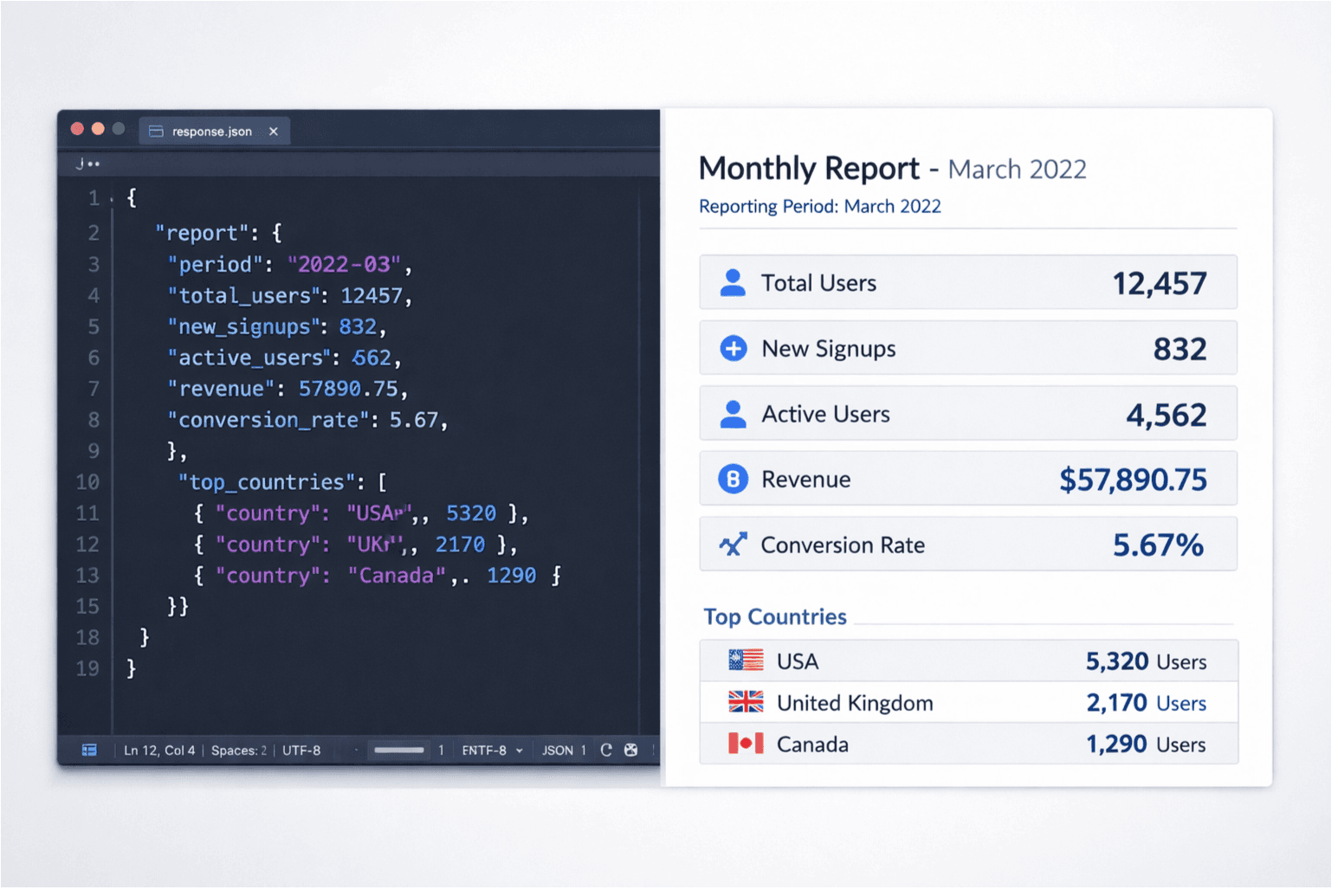
Pipeline view
Queue enrichment jobs and process the results asynchronously.
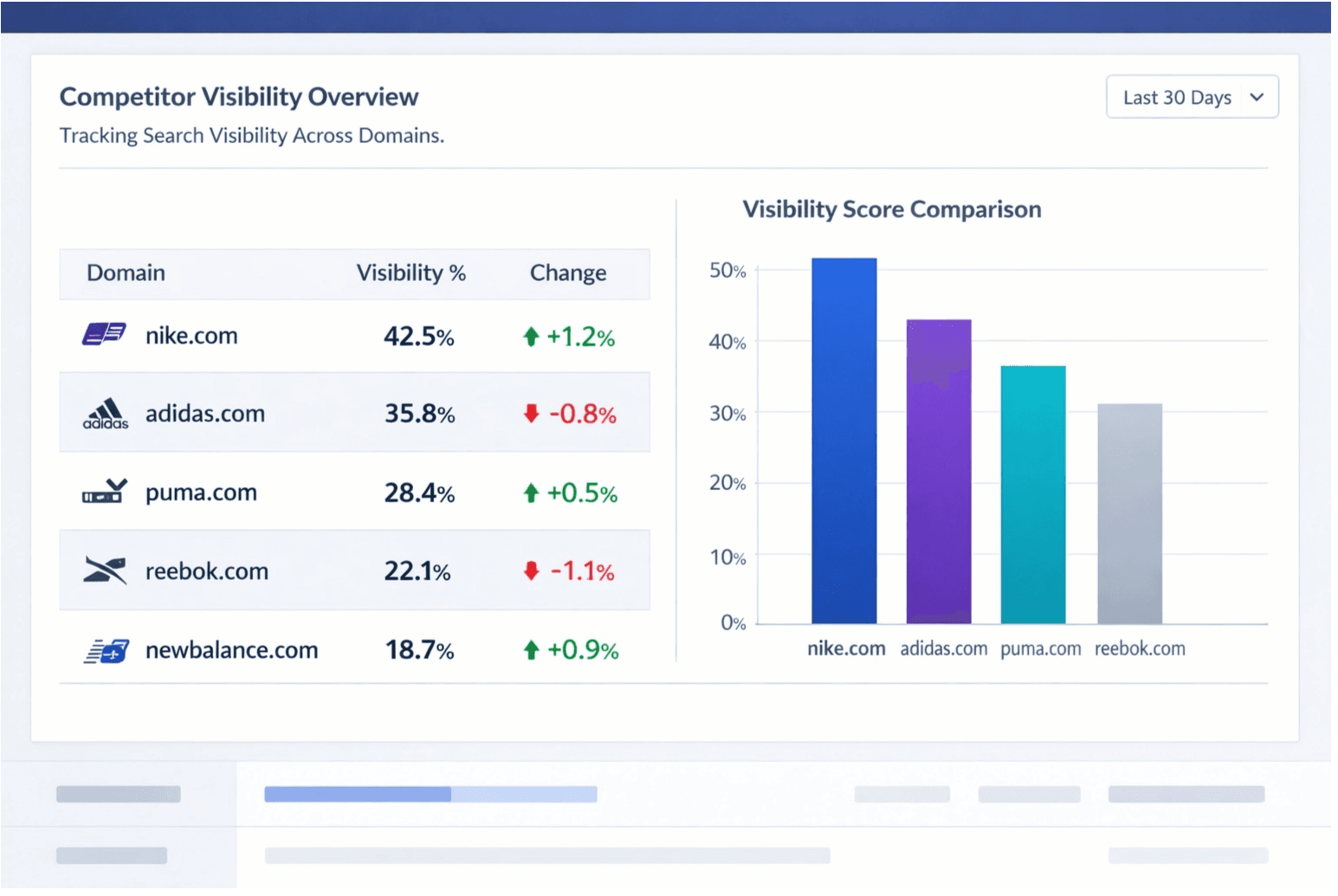
Product dashboard
Surface enriched fields inside the SaaS UI instead of forcing users to research manually.
The two-step enrichment pattern
Enrich a company record in two steps: first use SERP API to discover the company's search presence and any knowledge graph fields; then use Extract API on the official website or ranking page you care about. This is the cleanest path from public search signals to structured CRM data.
Step 1 — SERP API for company search presence
curl -X POST "https://api.orbitscraper.com/v1/search" \
  -H "x-api-key: ORS_your_key" \
  -H "Content-Type: application/json" \
  -d '{
    "q": "Acme Corp acme.com",
    "engine": "google",
    "num": 5
  }'
Key enrichment fields from the SERP response
{
  "knowledge_graph": {
    "title": "Acme Corp",
    "type": "Software company",
    "description": "Acme Corp provides enterprise workflow automation...",
    "website": "https://acme.com",
    "social_profiles": {
      "linkedin": "https://linkedin.com/company/acme",
      "twitter": "https://twitter.com/acme"
    }
  },
  "organic_results": [
    { "position": 1, "link": "https://acme.com", "snippet": "..." }
  ]
}
Step 2 — Extract API for website content
curl -X POST "https://api.orbitscraper.com/v1/extract" \
  -H "x-api-key: ORS_your_key" \
  -H "Content-Type: application/json" \
  -d '{ "url": "https://acme.com" }'
Async enrichment webhook pattern
High-volume enrichment should not block a user-facing form or CRM screen. The safer pattern is to queue enrichment when a record changes, store the job id, and write back the enriched fields when the job completes.
- A new company is added to the CRM and triggers an enrichment job.
- Your system POSTs to OrbitScraper with the company name and domain hints.
- Store the returned job id and poll GET /v1/search/:jobId until the search finishes.
- Parse knowledge_graph, the top organic result, and any extracted website content, then write those fields back to the CRM record.
knowledge_graph field reference
Who uses this
- CRM platforms that want richer account records without manual research.
- Marketing analytics products that need category and website context for companies.
- Sales intelligence tools that use company profiles as product features.
- SaaS teams that need a controlled, async enrichment workflow rather than crawler maintenance.
Build this workflow with OrbitScraper
Start with the product tags above, wire the request pattern into your app, and use the structured response fields that match this workflow. OrbitScraper is most valuable when your team stops manually checking search results and starts treating search data like a dependable input to software.