
Search Data API for AI Agents and LLM Tooling
AI agents are only as useful as the freshness and structure of the context they receive. OrbitScraper gives agent builders normalized search results, intent signals, and optional prompt-ready markdown so retrieval and grounding happen through one stable API contract instead of brittle page parsing.
Who this is for
Built for AI/ML engineers, LLM application developers, and teams building agent pipelines with LangChain, LlamaIndex, CrewAI, AutoGen, or custom tool-calling systems.
What teams use it for
- Ground tool-calling agents with current search context.
- Use markdown-ready SERP output when prompts need compact context.
- Move from raw pages to stable fields like organic_results, related_searches, and detected_intent.
Visual reference
Existing OrbitScraper-style dashboards and workflow surfaces related to this use case.
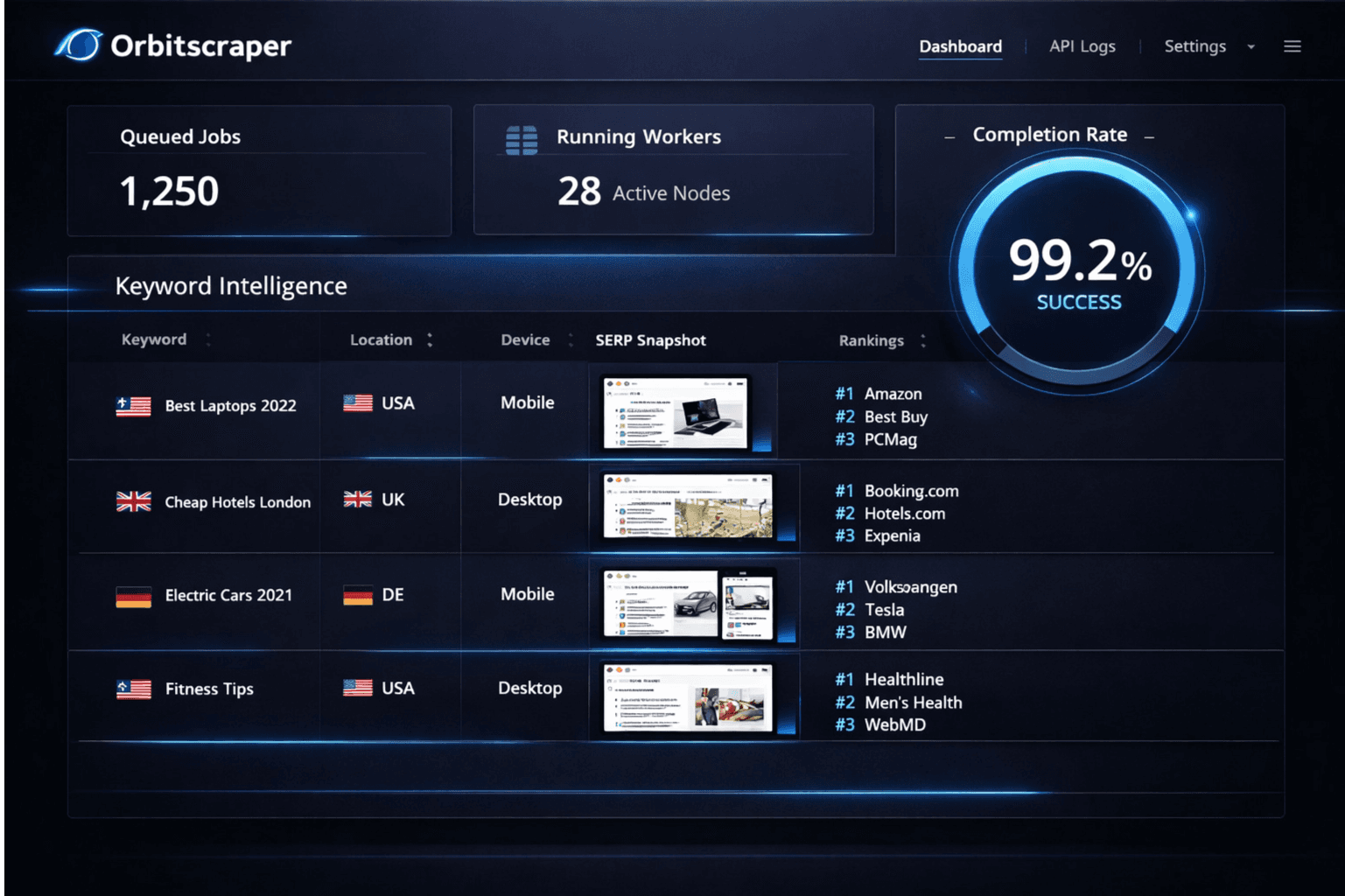
Research agent view
Structured search results rendered as a dependable retrieval layer for assistants and copilots.
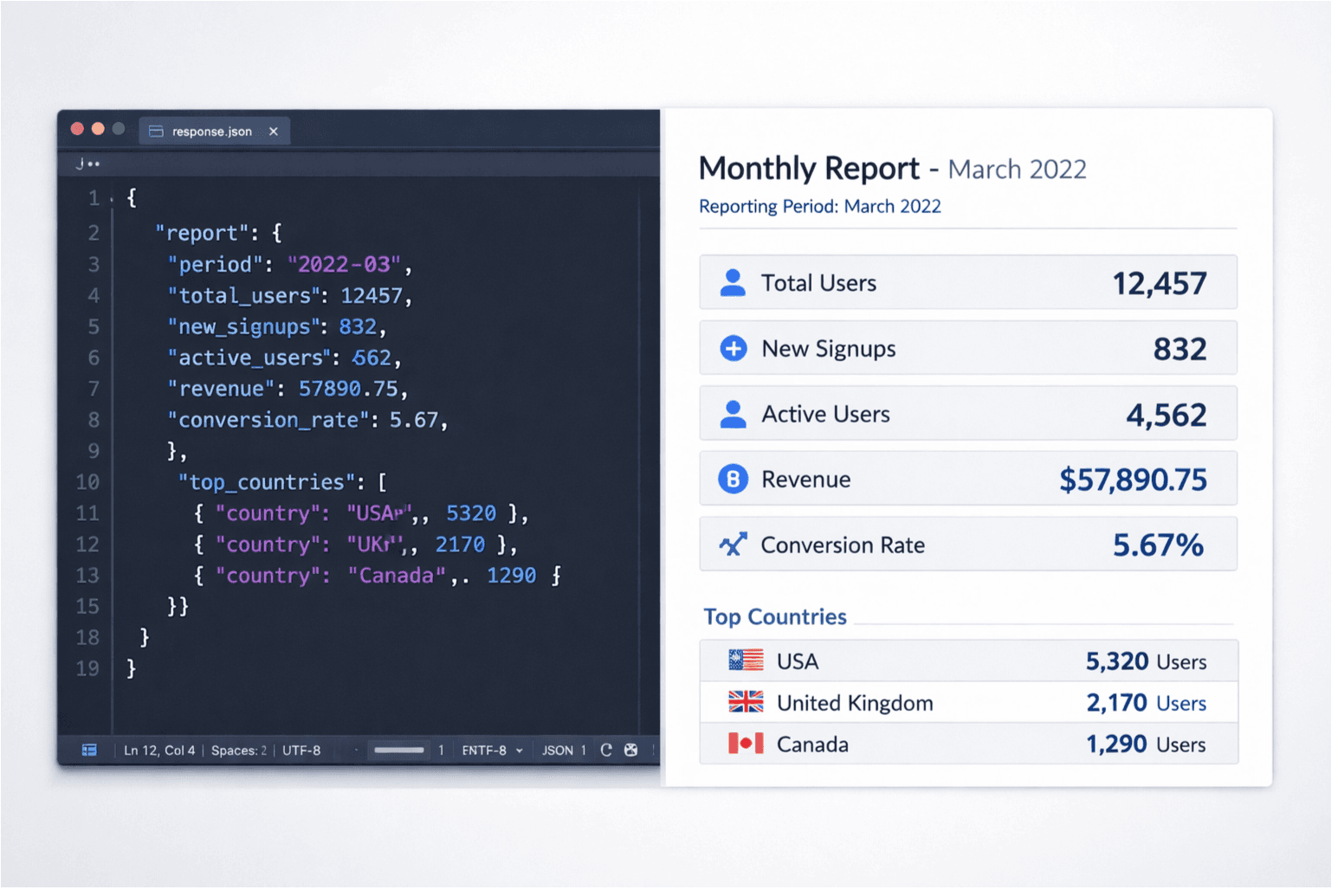
Prompt-ready reporting
SERP JSON and markdown output feeding the same workflow without extra transformation code.
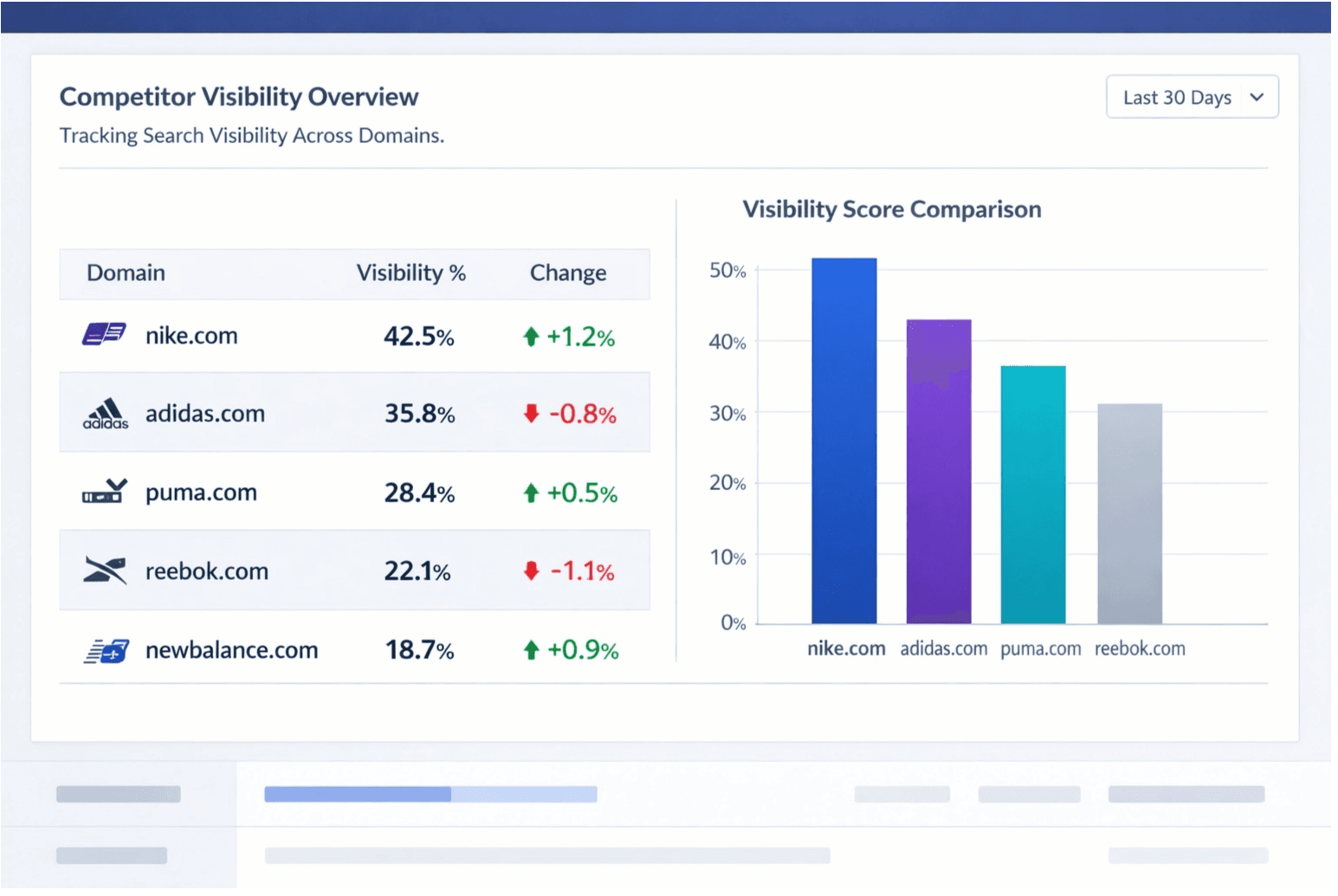
Competitive context mapping
Use normalized result sets to compare domains, intent, and ranking patterns inside agent tools.
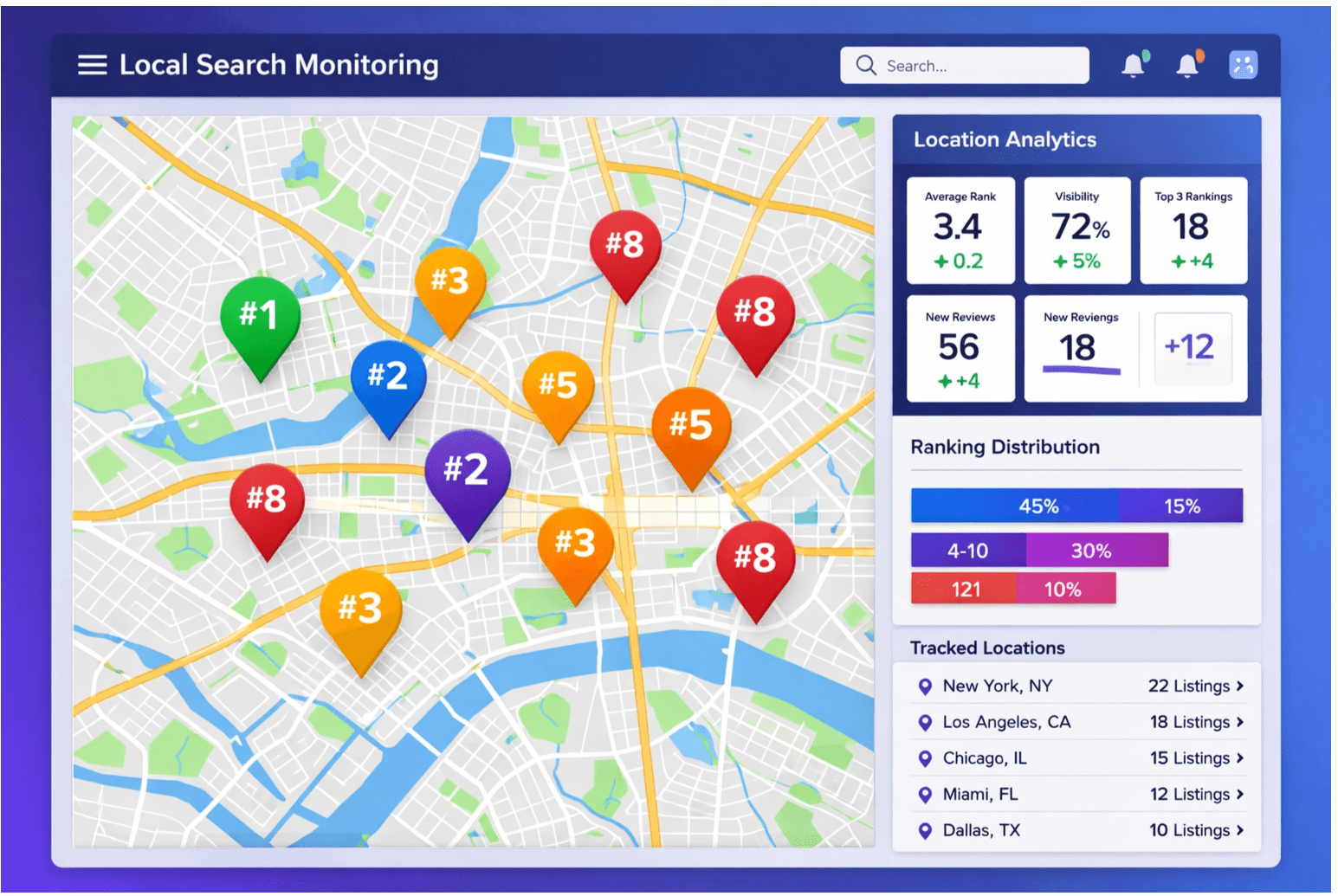
Local and query signals
Agents can reason over location-sensitive results without needing to scrape result pages directly.
Key API parameters for agent workflows
Agent pipelines usually need to control freshness, scope, and prompt size more than anything else. OrbitScraper exposes those controls directly on the search request so you can keep the retrieval layer deterministic.
Code example — agent tool definition
A practical pattern is to expose OrbitScraper to the model as a tool, let the model provide q and freshness controls, then map that tool call straight to the search endpoint.
OpenAI-style tool schema
{
  "type": "function",
  "function": {
    "name": "search_web",
    "description": "Search the web and return structured results or a markdown summary for grounding LLM responses with current information.",
    "parameters": {
      "type": "object",
      "properties": {
        "q": {
          "type": "string",
          "description": "The search query"
        },
        "markdown": {
          "type": "boolean",
          "description": "Set true to return a prompt-ready markdown summary instead of raw JSON",
          "default": true
        },
        "time_period": {
          "type": "string",
          "enum": ["past_day", "past_week", "past_month", "past_year"],
          "description": "Optional freshness filter"
        }
      },
      "required": ["q"]
    }
  }
}
Mapped OrbitScraper request
curl -X POST "https://api.orbitscraper.com/v1/search" \
  -H "x-api-key: ORS_your_key" \
  -H "Content-Type: application/json" \
  -d '{
    "q": "latest LLM benchmarks 2026",
    "markdown": true,
    "time_period": "past_week",
    "engine": "google"
  }'
Relevant response fields
{
  "result": {
    "markdown": "# Search Results\n\n## Latest LLM Benchmarks 2026\n...",
    "organic_results": [
      {
        "position": 1,
        "title": "...",
        "link": "...",
        "snippet": "..."
      }
    ],
    "detected_intent": "informational"
  }
}
RAG pattern
Use OrbitScraper as the retrieval step in a RAG pipeline. Query the API for current documents, take the normalized snippets from organic_results, and inject either those snippets or the markdown block into the LLM context window.
The markdown field is especially useful when you want one prompt-ready context block without writing a custom summarizer for every result set.
- A user query arrives at your agent or application.
- The agent calls OrbitScraper with the query and markdown: true, optionally adding engine, time_period, and num controls.
- The markdown string or selected snippets are injected into the system prompt, tool result, or retrieval layer before the agent answers.
LLM frameworks
OrbitScraper integrates naturally with LangChain as a custom Tool, with LlamaIndex as a retrieval connector, and with any framework that supports function calling or external tools.
- LangChain: wrap POST /v1/search plus GET /v1/search/:jobId as a single tool.
- LlamaIndex: treat normalized organic_results as an external retriever that updates in real time.
- CrewAI and AutoGen: register OrbitScraper as a shared team tool for web context, market scans, or routing decisions.
- Custom stacks: store the structured JSON for auditability, then pass only the markdown or selected snippets into model prompts.
When teams add Research API
SERP API is the right first step when the agent needs raw retrieval context, result modules, and prompt-ready markdown. Teams add Research API when they also want OrbitScraper to fetch supporting pages and return a synthesized answer with source objects attached.
Research API example for sourced synthesis
curl -X POST "https://api.orbitscraper.com/v1/research" \
  -H "x-api-key: ORS_your_key" \
  -H "Content-Type: application/json" \
  -d '{
    "query": "Which open-source LLM frameworks are gaining enterprise adoption?",
    "depth": 5,
    "output_format": "summary",
    "include_sources": true
  }'
Build this workflow with OrbitScraper
Start with the product tags above, wire the request pattern into your app, and use the structured response fields that match this workflow. OrbitScraper is most valuable when your team stops manually checking search results and starts treating search data like a dependable input to software.